Guide · 5 min read
How to Download from XSAVES.com — Complete Step by Step Guide
Read how to download X videos, MP3 audio, GIFs, capture screenshots, and download live broadcasts using XSAVES.com with this simple step-by-step guide.
24 Sep 2026 · By XSAVES Team
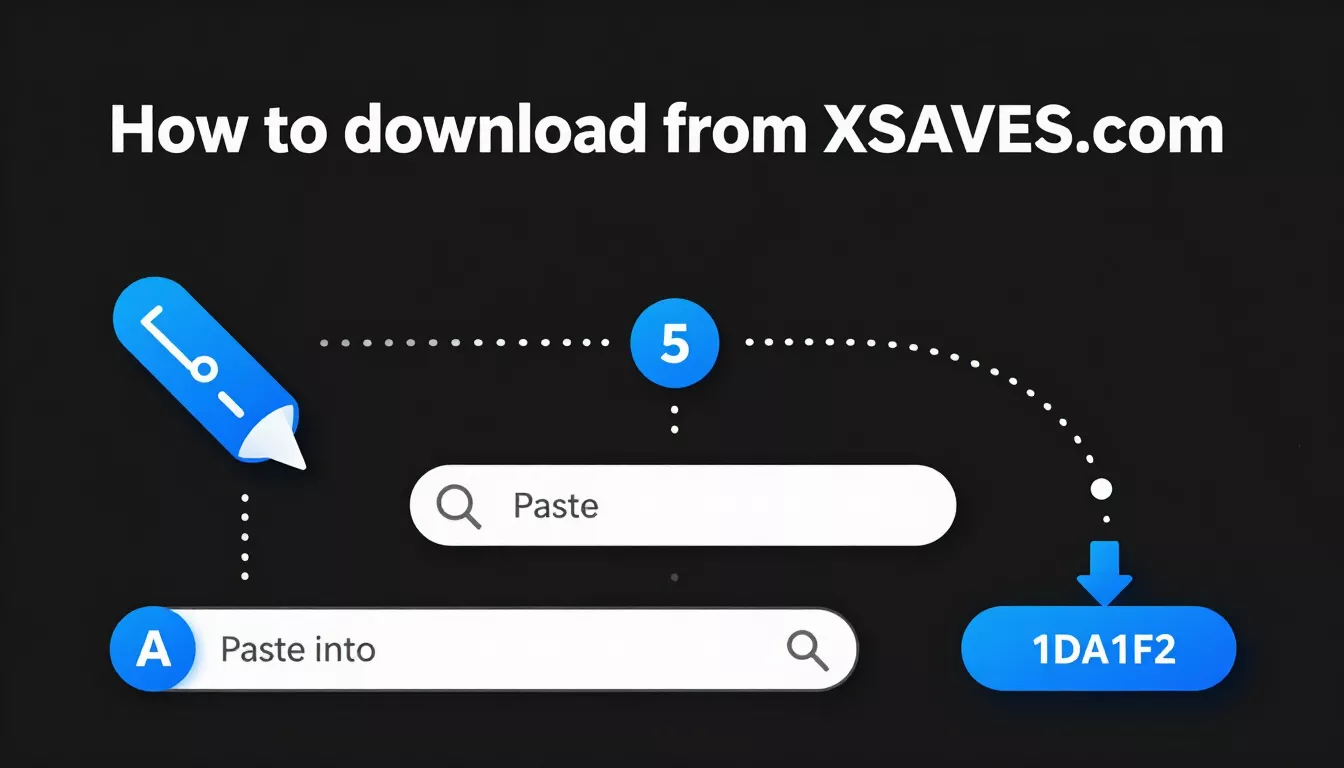
Downloading X videos, audio, GIFs, screenshots, and live broadcasts from X (formerly Twitter) does not have to be complicated. But with XSAVES.com, you can download any type of content in few steps. Copy the link to an X post link, paste it into the downloader, select your preferred format and quality, and download the available file directly to your own device.
XSAVES is a free, browser-based X downloader designed to download contents. You do not need to install a separate application or create an account to use our tools. Whether you are using a smartphone, tablet, laptop, or desktop computer, you can access the tool through a browser. Here is the full walkthrough.
How to download from XSAVES.com
XSAVES.com is designed to be the simple and easy way to save content from X. The complete process have four main steps:
- Copy the link of the X post you want to download.
- Paste the link into the XSAVES download bar.
- Analyze the link and choose your preferred format and quality.
- Click the Download button to save the file.
Let's look at each step in details.
Step 1 — Copy the X post link
Open the X app or x.com in your device and find the post you want to download. Click the share icon on the post, then choose "Copy link."
Step 2 — Paste the link and click Analyze
After copying the X post link, open XSAVES.com in your browser. Paste the link in download bar and click the Analyze URL button.
Step 3 — Pick a format and quality
After the link has been analyzed, XSAVES displays the available downloading formats. Choose the format that matches what you want.
Step 4 — Click download and save the file
Once you have selected your preferred format and quality, click the Download button. XSAVES will deliver the available file through your browser's download process. Depending on your browser and device settings, the file may be saved automatically to your default Downloads folder or you may be asked where you want to store it.
Downloading different format
Our X Downloader tool Xsaves can download different formats of X content.
- Video: choose MP4 and the highest available quality (up to 1080p).
- MP3: switch to the MP3 type to extract audio only. XSAVES converts the source track to a clean MP3.
- GIF: In GIF type to download an animated GIF. X stores GIFs as silent MP4.
- Screenshot: choose Screenshot to capture the full tweet card as a image including avatar, handle, verified badge, text, media, timestamp and all engagement buttons. Use the crop presets to set the aspect ratio.
- Live: Download X Spaces and live broadcasts as MP4.
Tips for the best results
Our X Downloader tool XSAVES is designed to be simple and some practical tips can help you to get better results.
- Copy the correct post link: Always use the link to the original post containing the media.
- Check the available quality options: If you want the clearest video, select the highest resolution actually offered by our X downloader.
- Check your internet connection: A stable internet connection can make downloads more reliable.
- Make sure you have enough storage: Before downloading a file, check the available storage space on your device.
- Choose the correct format: Choose MP4 for video, MP3 for audio, GIF for animation, and Screenshot for capturing a post as an image.
- Check whether the post is accessible: Deleted, private, restricted, or unavailable posts may not work.
- Keep your browser updated: Using a recent version of your browser can help avoid download and compatibility issues.
Common problems and how to fix them
Sometimes a download may not work as expected. This does not mean there is a problem with your device. The source post, media availability, browser settings, or internet connection may affect the result.
Here are a few problems and solutions.
Link Is Not Working: If XSAVES cannot analyze your link, first check that you copied the complete URL from the original X post. But if the post is private, deleted, restricted, or unavailable, the downloader may not be able to access its media.
No Download Options Appear: If the analysis completes but no download options are displayed, the post may not contain a supported media format.
Download Is Taking Too Long: Large videos and long live recordings require more time to process and download. Check your internet connection and avoid closing the browser tab while a download is still being prepared. If the download fails, try submitting the link again.
Start downloading now
Now you know, how to download from XSAVES in simple steps. To understand the tool in more depth, read what XSAVES.com is, or see why XSAVES is the best X downloader. Whether you want to use XSAVES as an X video downloader, Twitter video downloader, X audio downloader, X GIF downloader, screenshot tool, or X live stream downloader, the platform brings multiple options together in one place.